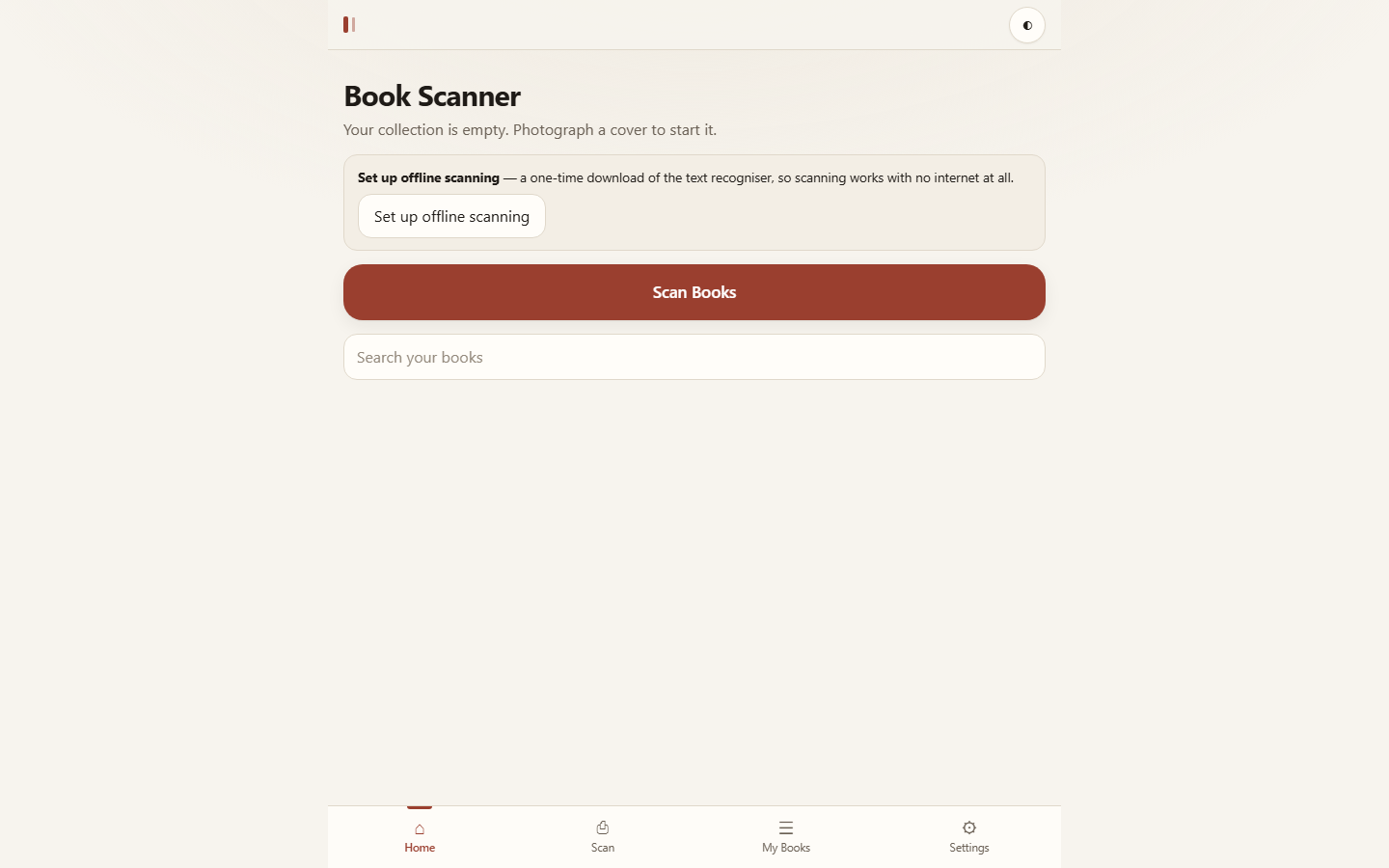
Book Scanner
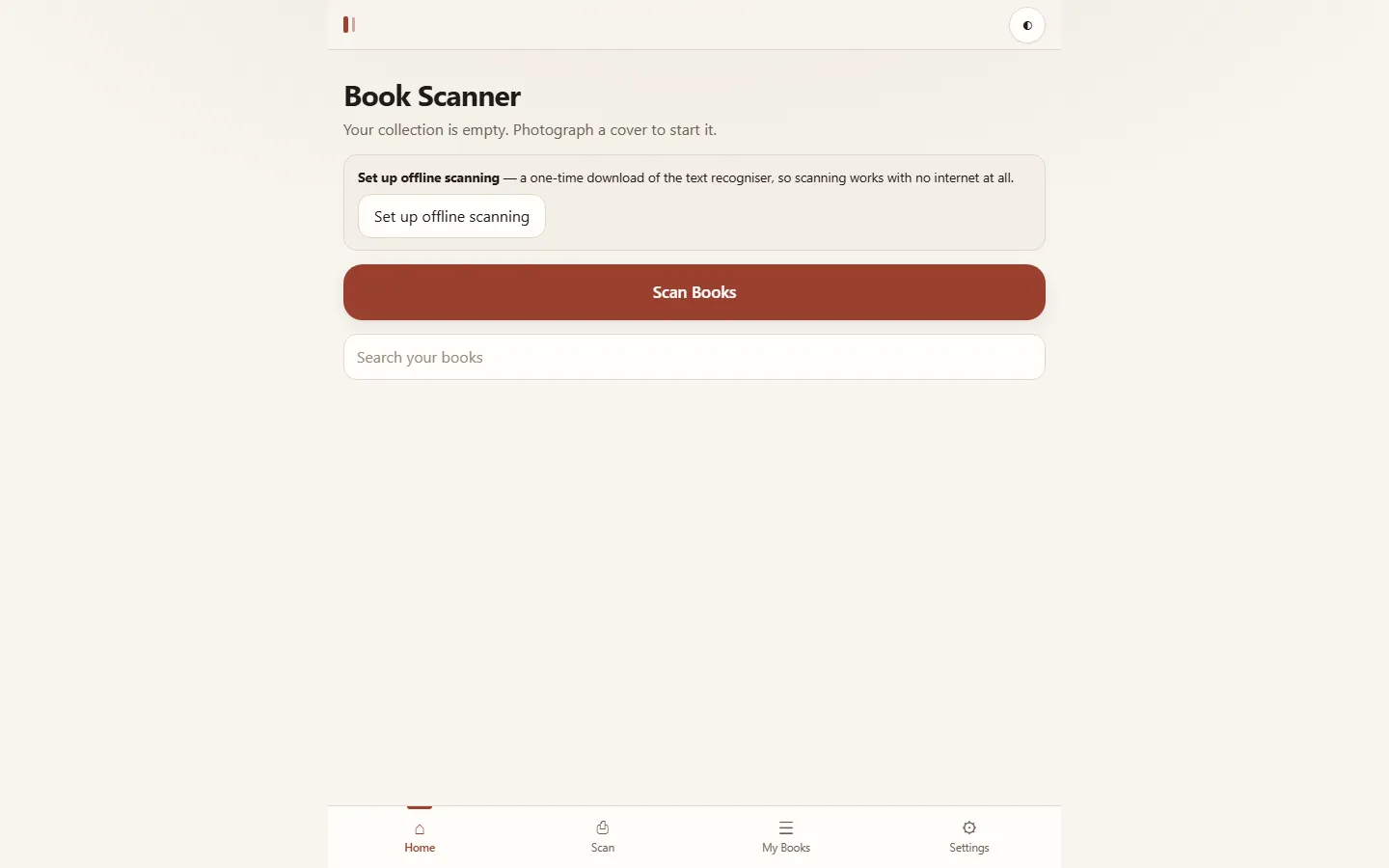
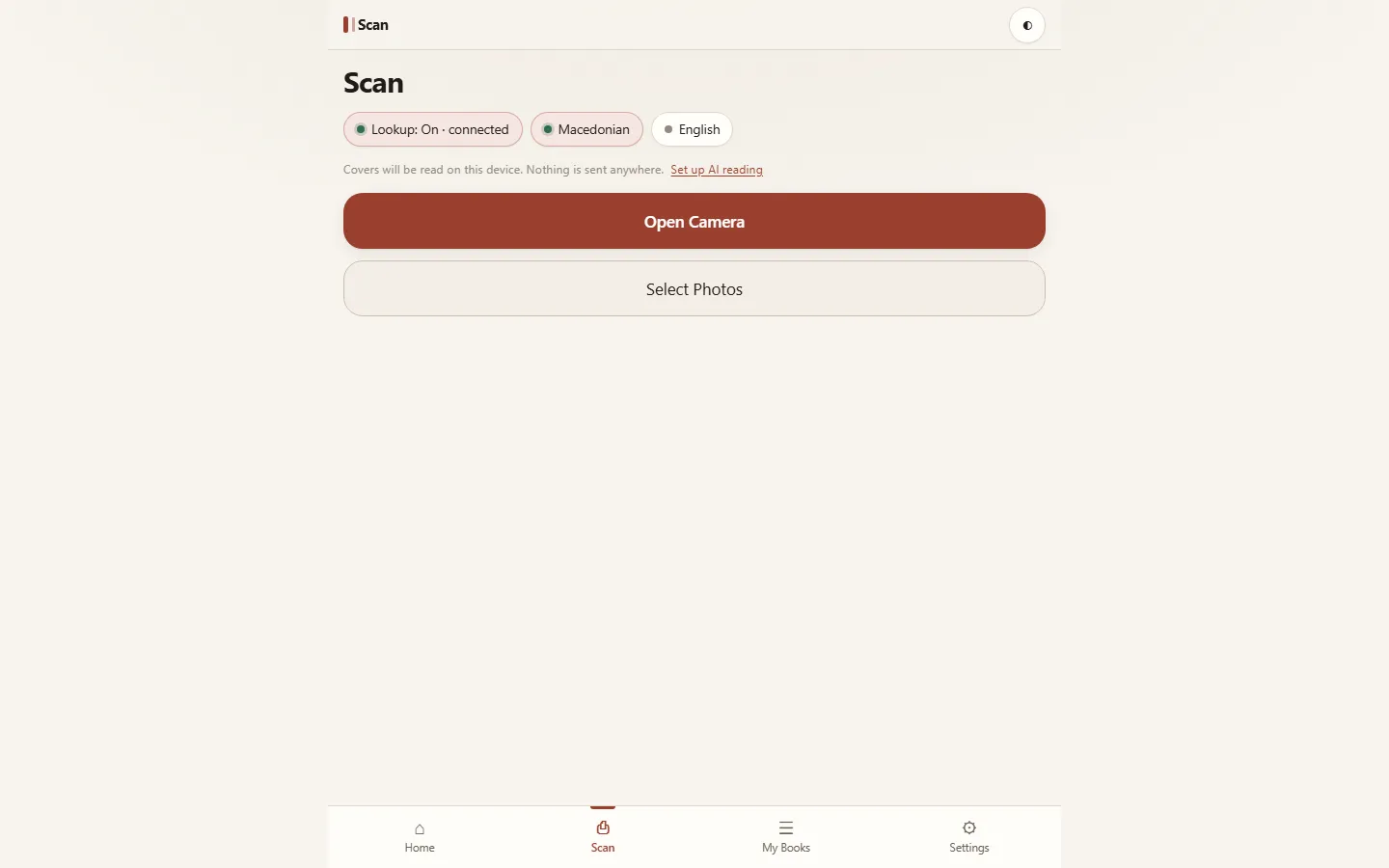
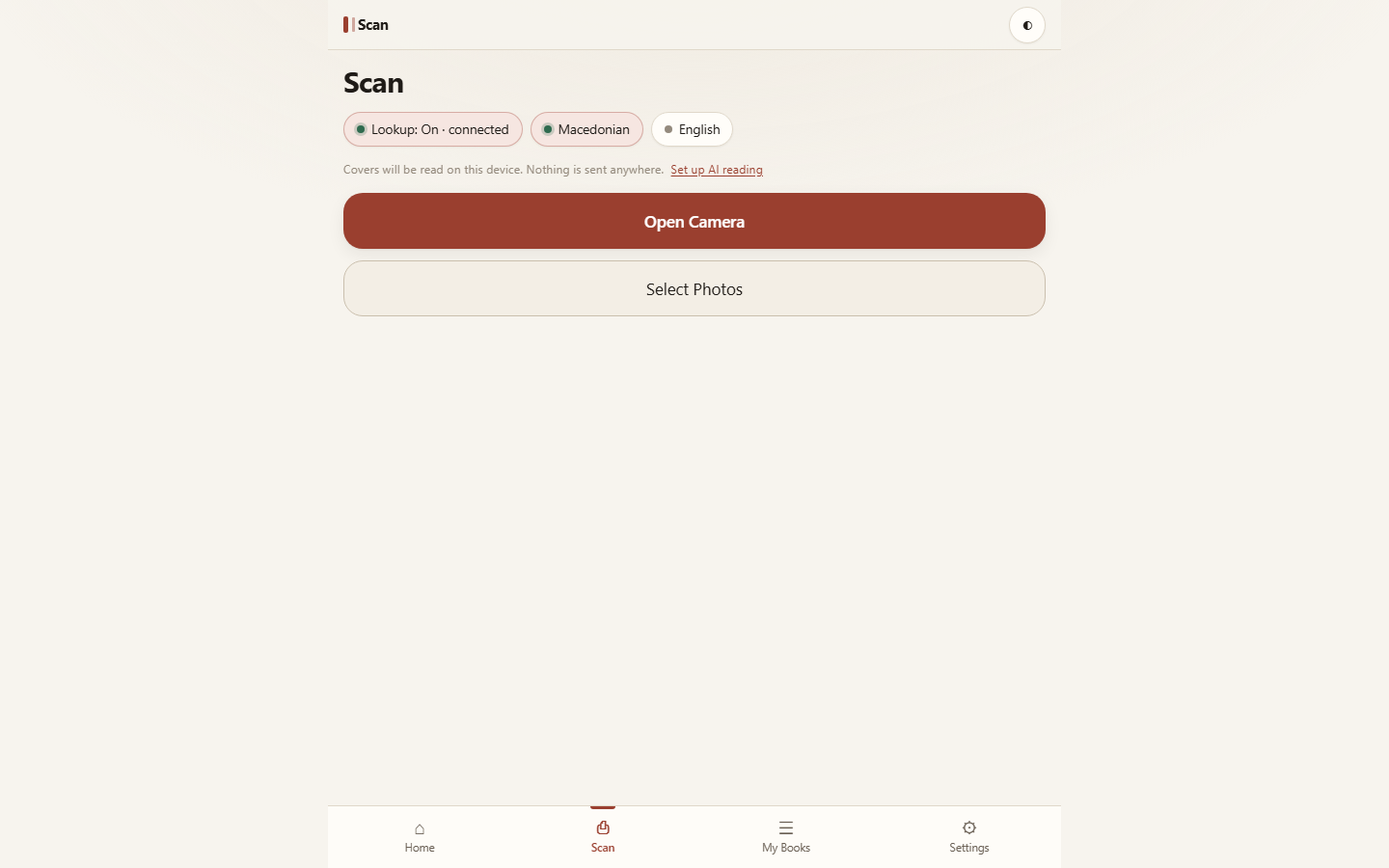
Point your phone at a book cover, it reads the title and author on-device: no server, no account, works offline. Optionally calls Gemini when you’re online for much better Macedonian-script covers.
- Stack
- TypeScript, React, Vite, Tesseract.js, IndexedDB
What it does
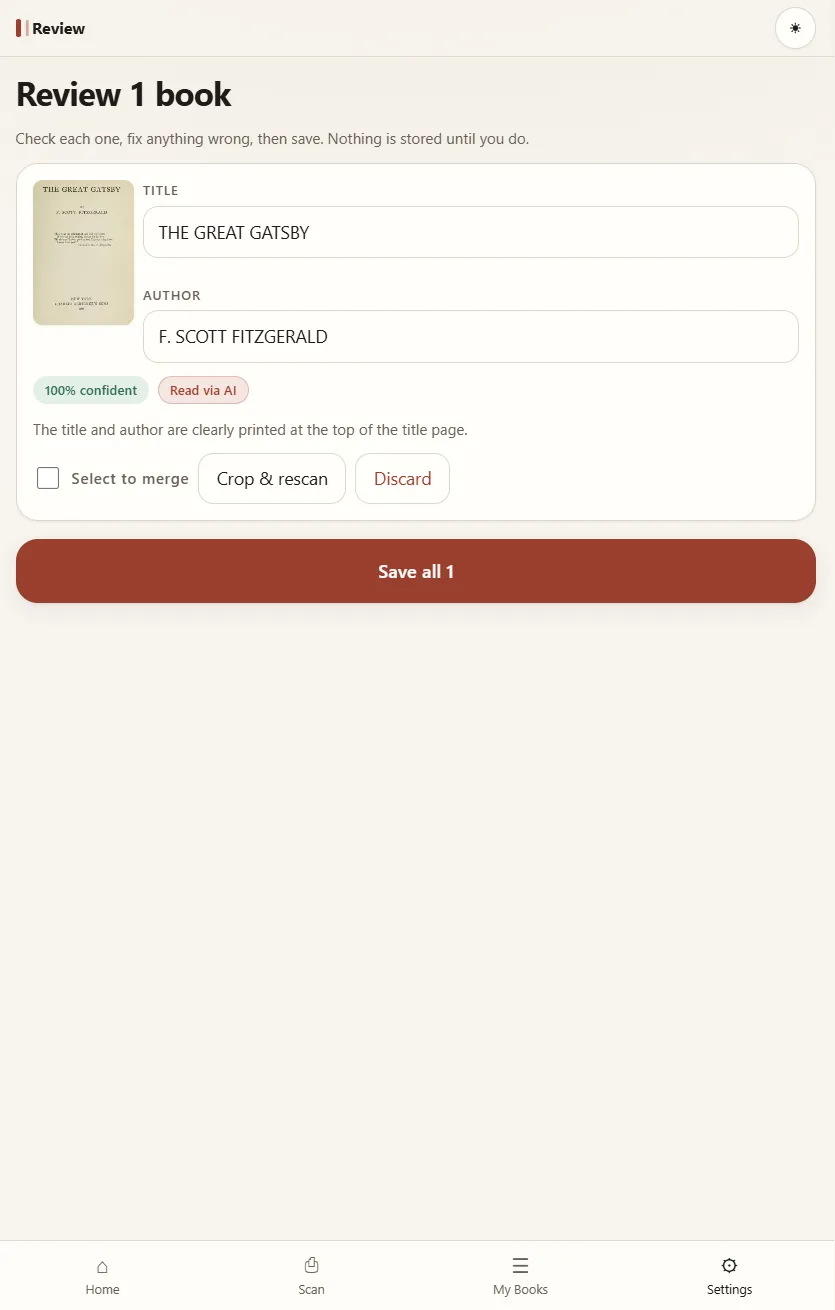
Book Scanner is an installable PWA (progressive web app) for cataloguing books. Photograph a cover and the text is read on the device with Tesseract.js; the library is kept in IndexedDB, in your own browser. There is no server and no account, and after a one-time download of the text recogniser, scanning works with no internet at all.
Two ways to read a cover
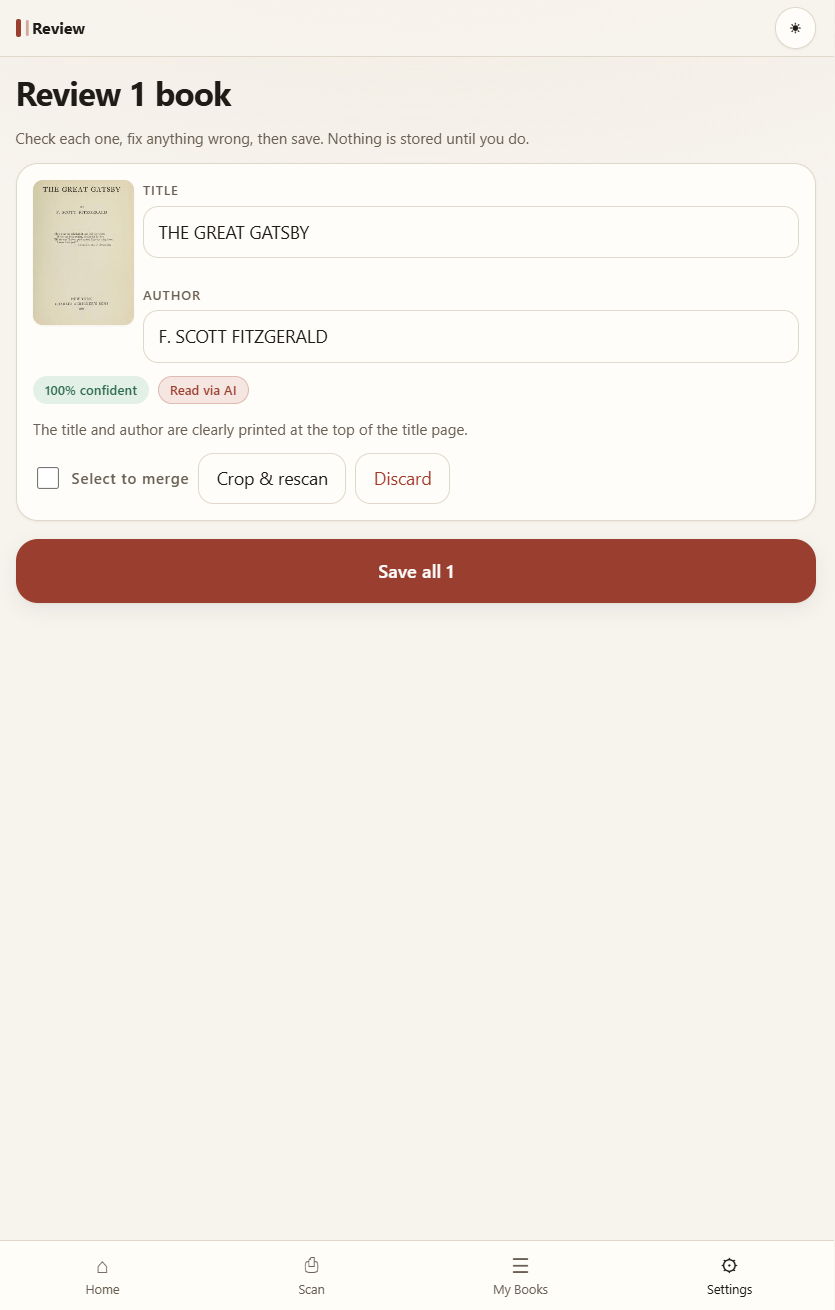
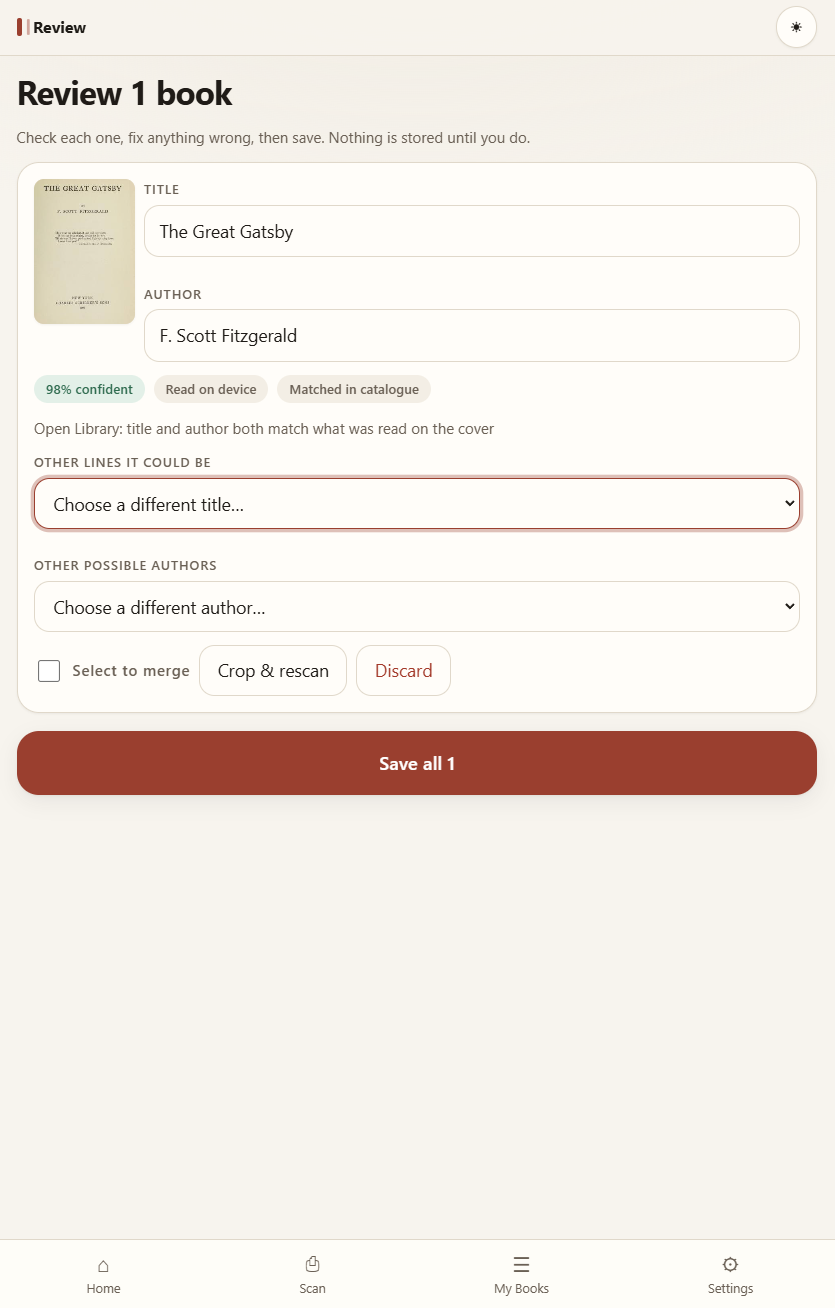
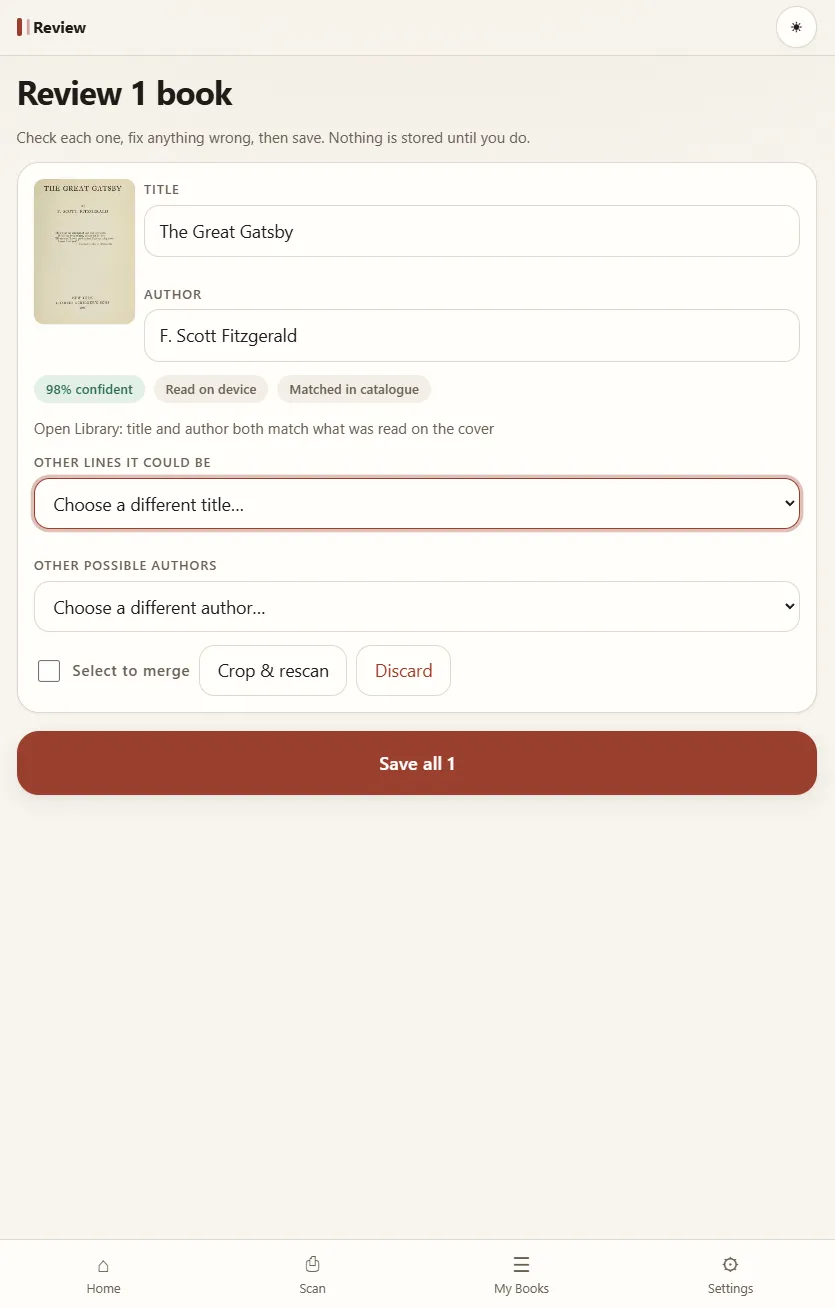
On-device OCR is the default. When you’re online you can turn on AI reading with Gemini, which reads Macedonian-script covers much better. With the catalogue lookup on, on-device readings are also matched against Open Library.
Either way, every result shows how confident the app is and where the reading came from, and nothing is stored until you’ve checked it and saved.
Proof
| Claim | How it was checked | State |
|---|---|---|
| 189 of 189 unit tests pass | npx vitest run | Verified 27 Sep 2026 |
| 40 end-to-end tests pass, 5 skipped, 0 failed, across Desktop Chrome, Pixel 7 and iPhone 14All 5 skips are on the WebKit (iPhone 14) project. | npx playwright test | Verified 27 Sep 2026 |
| 15 of 15 exact title matchesDocumented the same way across the repo’s docs, but not re-run for this page. Re-running it needs a network fetch of the real covers. | The repo’s own accuracy report, docs/accuracy-covers-offline.md | Open |